🫧
Glass dock
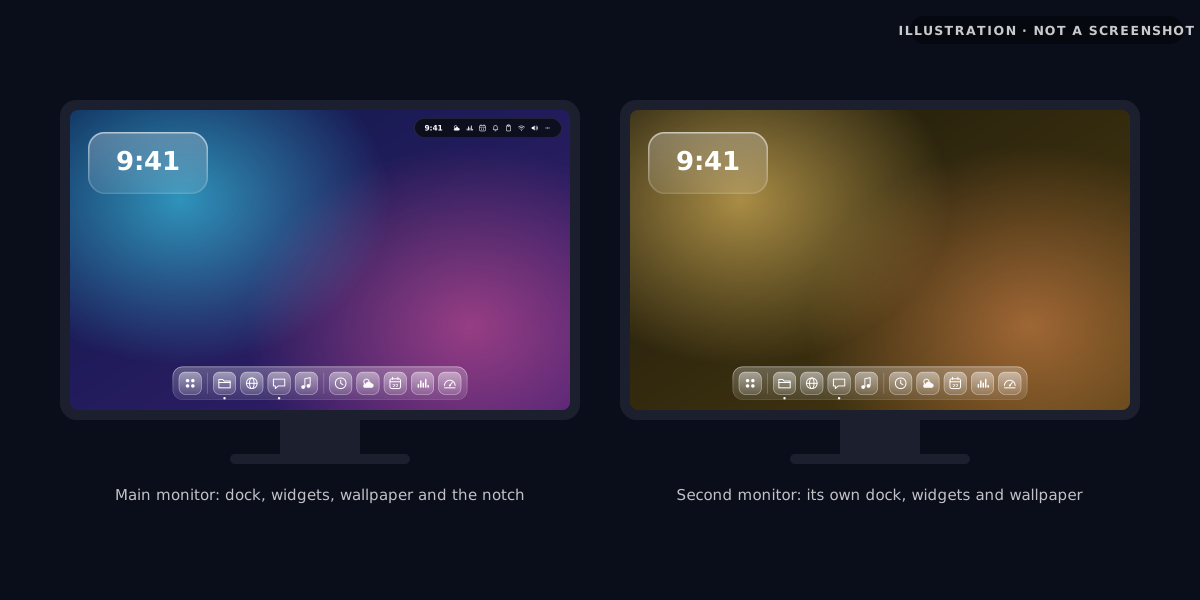
A translucent, blurred dock with pinned apps, running-app dots and a dock on each monitor. Icons near the cursor grow as you hover (you can turn that off), and you can move it from the bottom.
See reference →SomeonesBar replaces the Windows taskbar with a macOS-style glass dock, plus a notch, a launcher, widgets and live wallpapers. Native C#/WPF, no Electron.
64-BIT · ONE SETUP .EXE · NO .NET INSTALL NEEDED
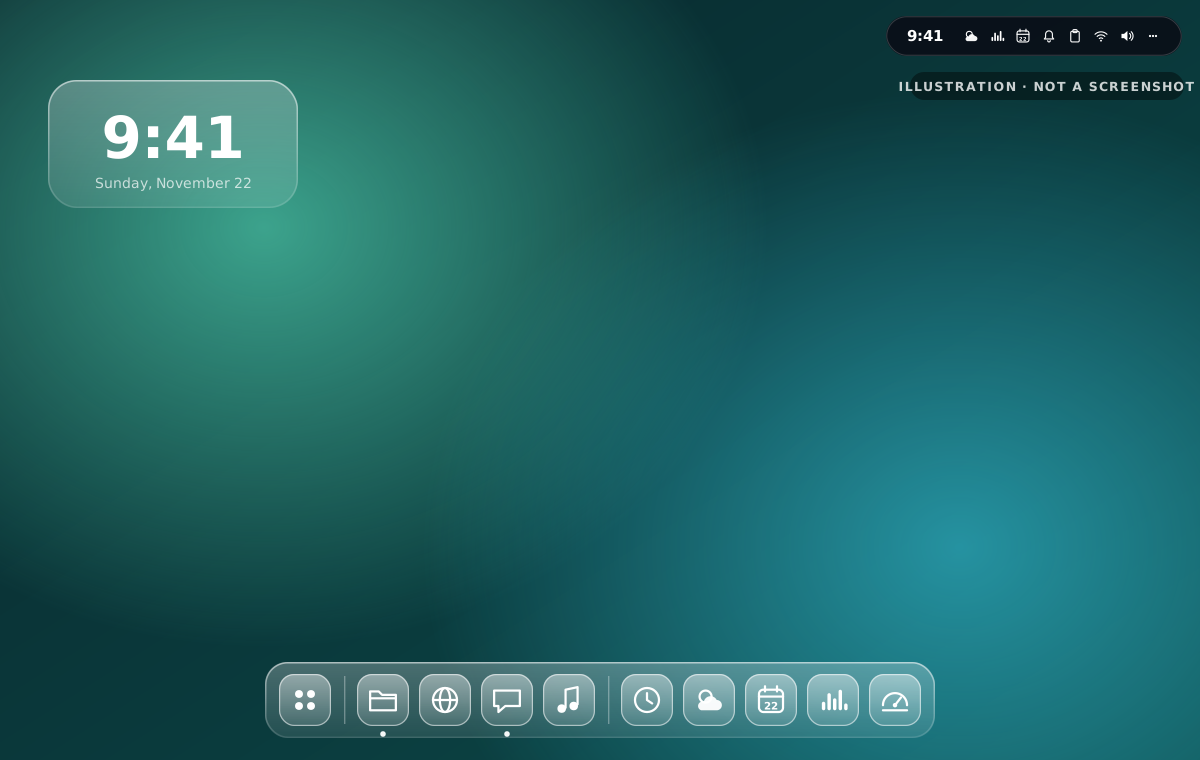
SHOWCASE · WHAT IT LOOKS LIKE
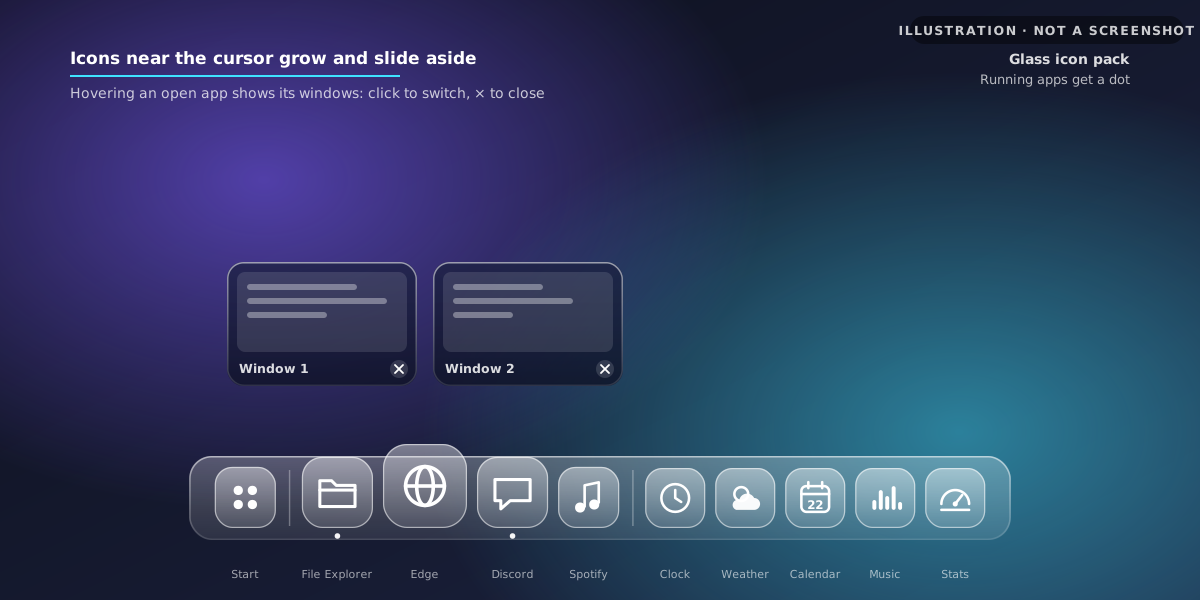
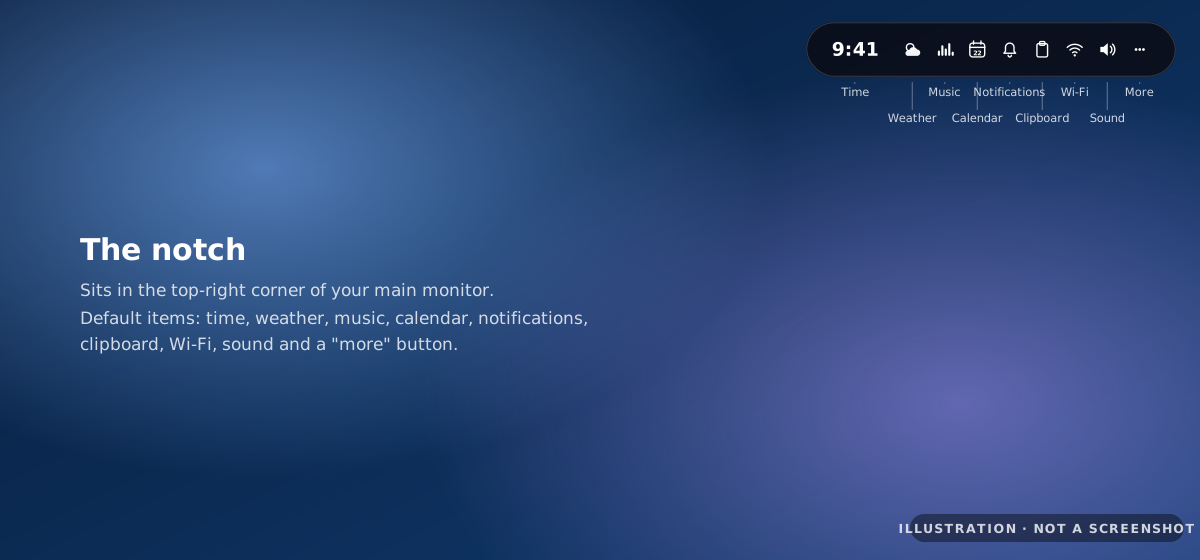
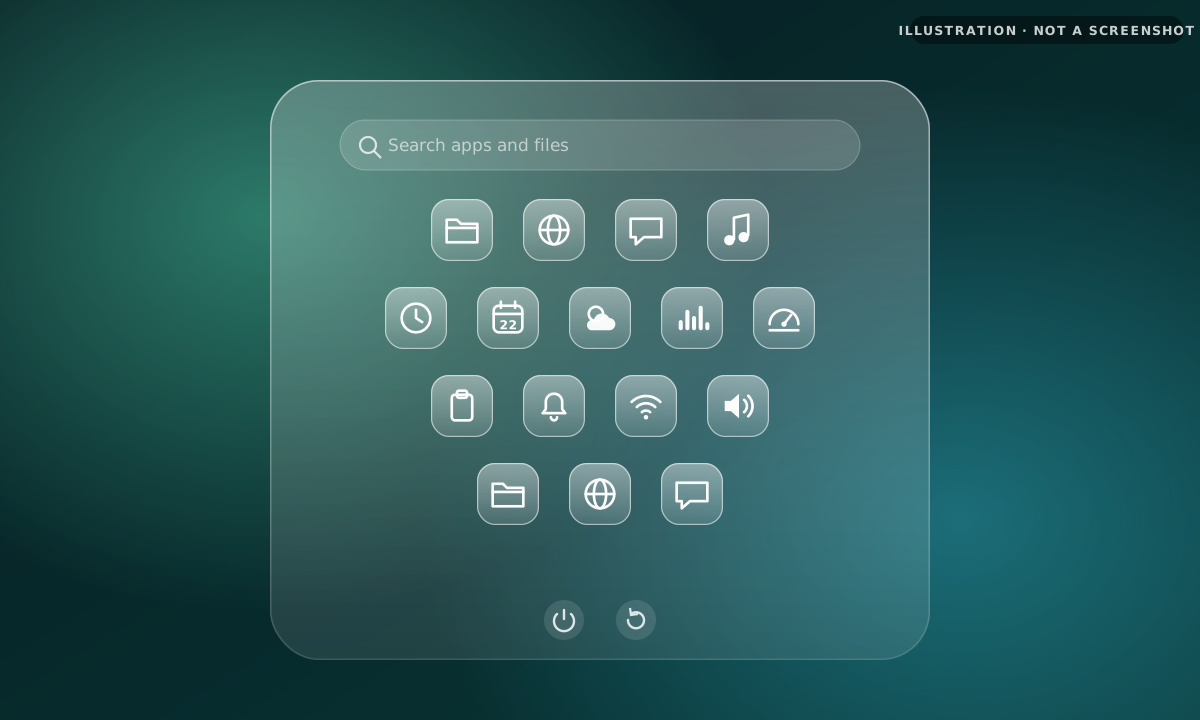
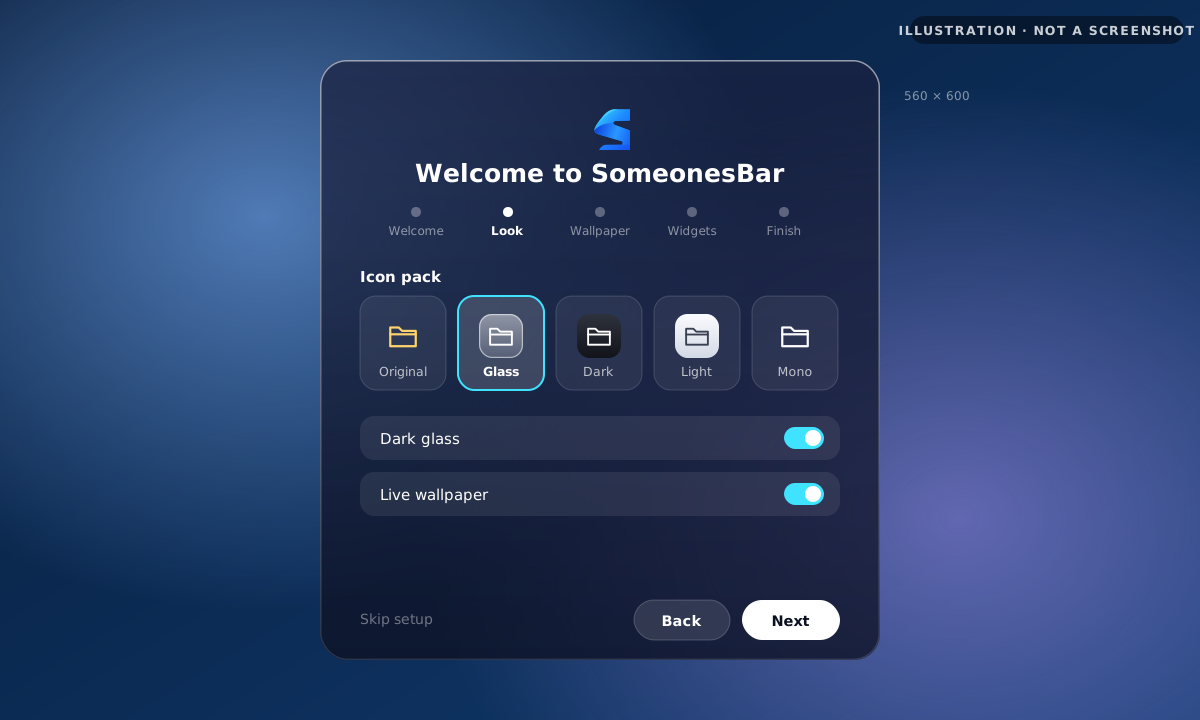
Reference drawings of each part of SomeonesBar. They show the layout, not the real app: screenshots will replace them.
FEATURES · WHAT'S INSIDE
One app that takes over the taskbar, the Start menu and the empty space on your desktop.
A translucent, blurred dock with pinned apps, running-app dots and a dock on each monitor. Icons near the cursor grow as you hover (you can turn that off), and you can move it from the bottom.
See reference →Hover an open app in the dock to see live thumbnails of its windows. Click one to switch to it, or × to close it.
See reference →A pill in the top-right corner with the time, weather, music, calendar, notifications, clipboard, Wi-Fi and sound.
See reference →Search apps and files. Turn on "Replace Start menu" and it takes over the Start menu and the Win key.
See reference →A glass clock on your desktop.
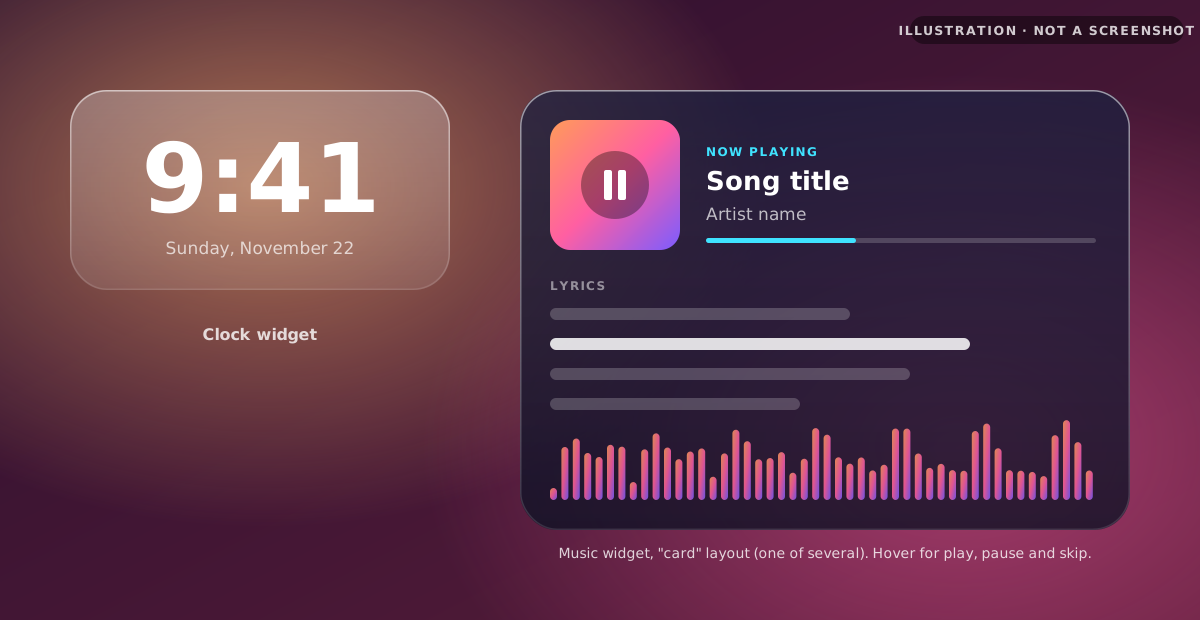
See reference →Now playing, lyrics and a spectrum visualizer, in several layouts. Hover it for play, pause and skip.
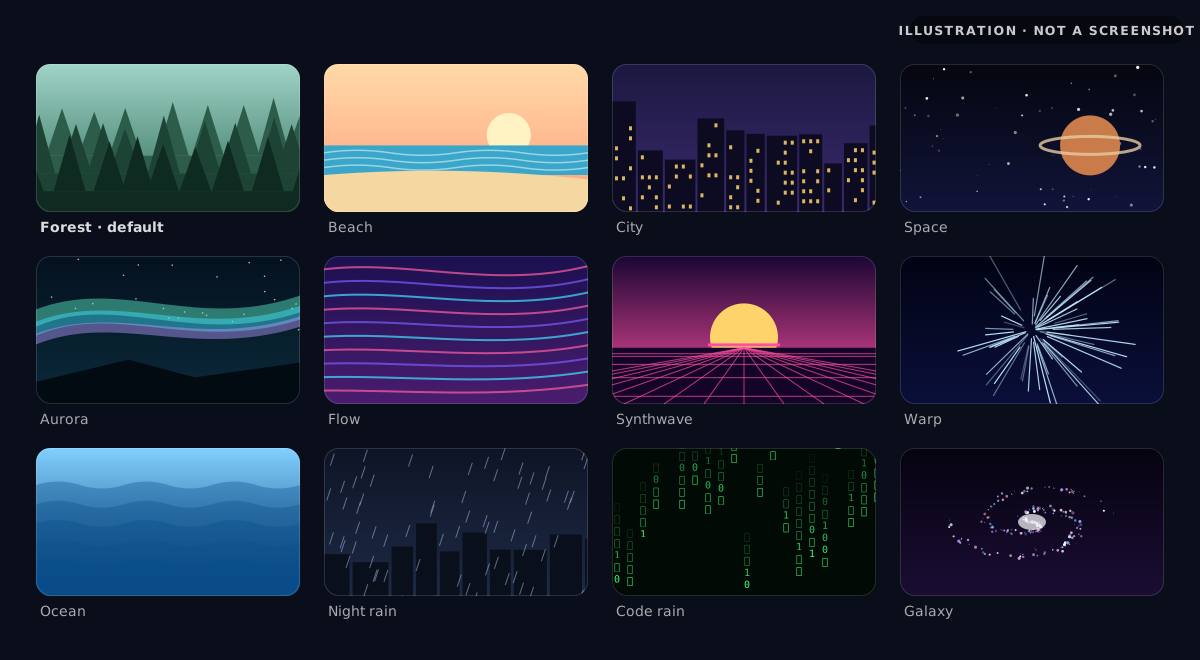
See reference →Live procedural scenes from Forest to Galaxy, with a different one on each monitor if you like.
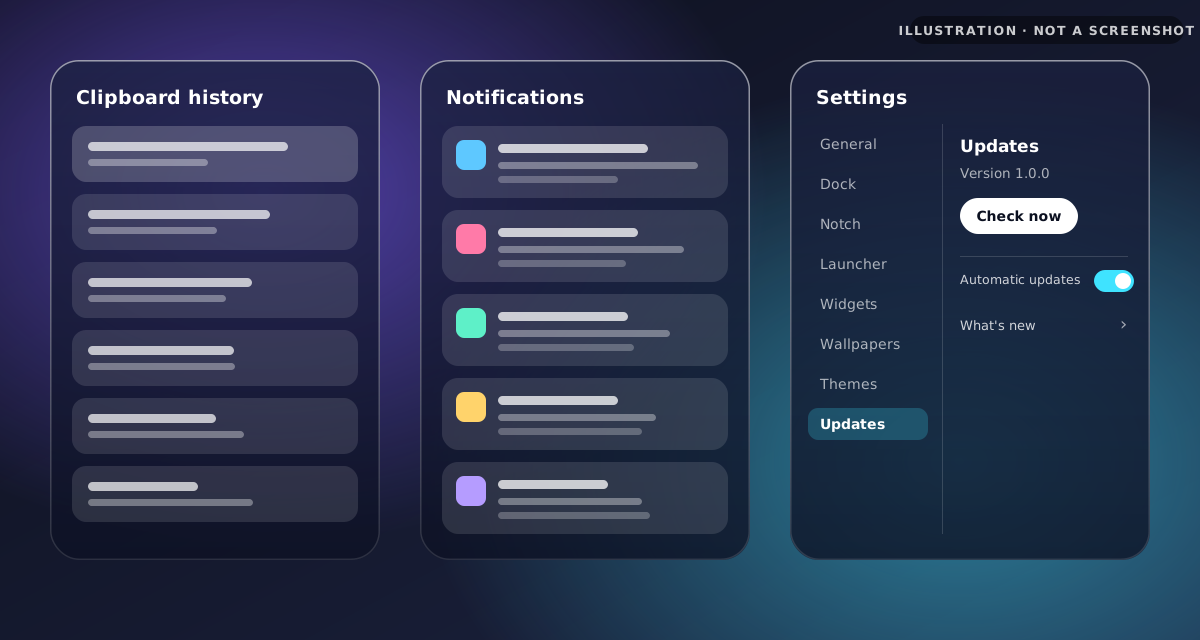
See reference →Get back to things you copied earlier.
See reference →Your notifications in one glass panel.
See reference →Five icon packs (Original, Glass, Dark, Light and Mono), themes, and settings for every part of SomeonesBar.
See reference →Docks and wallpapers on every monitor, with widgets staying above the wallpaper.
See reference →Small, delta-based updates from GitHub Releases, plus a built-in "What's new" changelog.
Five quick steps that set up the look, wallpaper and widgets the first time you open it.
See reference →Written in C#/WPF on .NET 8, with no Electron. It hides the Windows taskbar and draws its own dock windows using the Windows DWM glass effect, and starts quickly at sign-in.
INSTALL · 3 STEPS
One setup file installs SomeonesBar for your Windows user. It's self-contained, so you don't need to install .NET first.
Get Setup.exe from the latest release on GitHub.
It installs for your Windows user to %LocalAppData%\SomeonesBar. If SmartScreen warns you, click More info, then Run anyway.
The first-run welcome walks you through setup, including starting SomeonesBar when you sign in.
CHANGELOG
The same notes are inside the app, under "What's new". Every release is also on GitHub.
The first public release of SomeonesBar: the glass dock, notch, launcher bubble, clock and music widgets, 12 live wallpapers, window previews, clipboard history, notification center, themes, multi-monitor support, auto-updates and the first-run welcome.
FAQ
Windows 10 and Windows 11, 64-bit.
The setup file isn't code-signed yet, so Windows SmartScreen may warn you the first time you run it. Click More info, then Run anyway. Only download SomeonesBar from this site or the official GitHub releases.
SomeonesBar updates itself from GitHub Releases. It can check automatically, or you can go to Settings → Updates and click Check now. Updates are delta-based, so they're small. After updating, "What's new" shows what changed.
Open Windows Settings, go to Apps → Installed apps, find SomeonesBar and choose Uninstall.
Yes. You can turn it on in the first-run welcome or in settings, and it starts quickly at sign-in.
No. The setup is self-contained and includes everything SomeonesBar needs.
No, SomeonesBar is free.
 VERSION 1.0.0
Free for Windows 10 and 11, 64-bit. One setup file, no .NET install, and updates that arrive on their own.